
Drivers only see, and check, the vehicles they’re assigned to. A vehicle can have several drivers, and a driver can be on several vehicles.
From a vehicle
- Go to Vehicles and open the vehicle’s card.
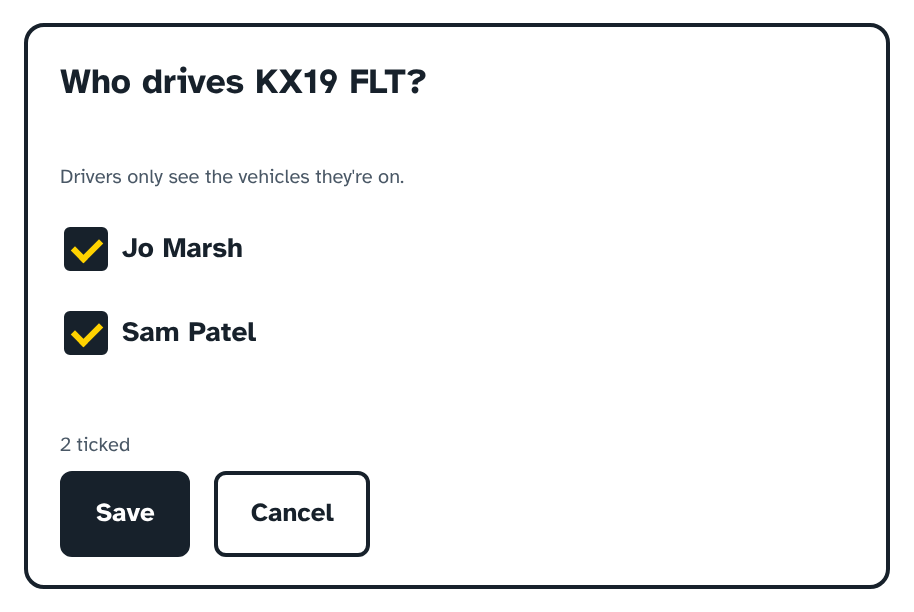
- Choose Assign drivers.
- Tick everyone who drives it, then Save.
From a driver
Go to Drivers, open the driver’s card and choose Assign vehicles. Tick their vehicles and Save. This is quicker when one driver moves between several vans.
You can also tick drivers in the Drivers list when you add or edit a vehicle.
Good to know
- Every change is kept in the vehicle’s History tab, so you can see who was on a vehicle and when.
- When a driver leaves, or a vehicle is removed from the fleet, they’re taken off each other automatically.
- Depot managers can only assign drivers and vehicles in their own depots.